Posts

Linux Commands

Image
                                              LINUX A alias Create an alias apropos Search Help manual pages (man -k) apt-get Search for and install software packages (Debian/Ubuntu) aptitude Search for and install software packages (Debian/Ubuntu) aspell Spell Checker awk Find and Replace text, database sort/validate/index B basename Strip directory and suffix from filenames bash GNU Bourne-Again SHell bc Arbitrary precision calculator language bg Send to background break Exit from a loop • builtin Run a shell builtin bzip2 Compress or decompress named file(s) C cal Display a calendar case Conditionally perform a command cat Concatenate and print (display) the content of files cd Change Directory cfdisk Partition table manipulator for Linux...
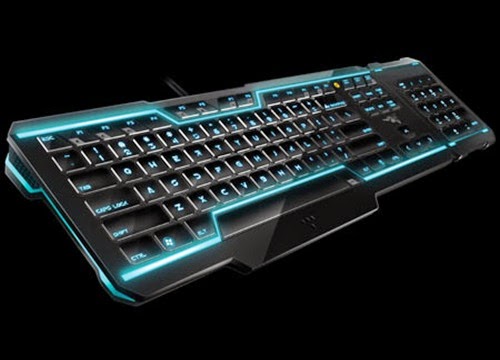
Shortcuts

Image
                                      KEYBOARD SHORT-CUT     Shortcut keys help provide an easier and usually quicker method of navigating   Shortcut keys are commonly accessed by using the  Alt  key (on IBM compatible computers),  command key (on Apple computers),  Ctrl  key, or  Shift  key in conjunction with another key.                                         minusMove and Resize Active Window Win+Arrow Down Set window to Restored (if Maximized) or Minimized  Win+Arrow Up Maximize Restored window vertically / Restore window to previous state Win+Arrow Right/Win+Arrow Left Move Restored window to left/center/right. Works across multiple monitors Win+Shift+Arrow Right/Win+Shift+Arrow Left Move ...

Folder Lock

Image
                                   HOW TO LOCK FOLDER ??? Now you can hide your personal data in a password locked folder -  steps:- Press key  win+r  then type notepad then press enter.                                                                                                                                                                                            Copy the following code  in...